 Drop
DropThe composer
Describe it in a sentence. Get a finished email.
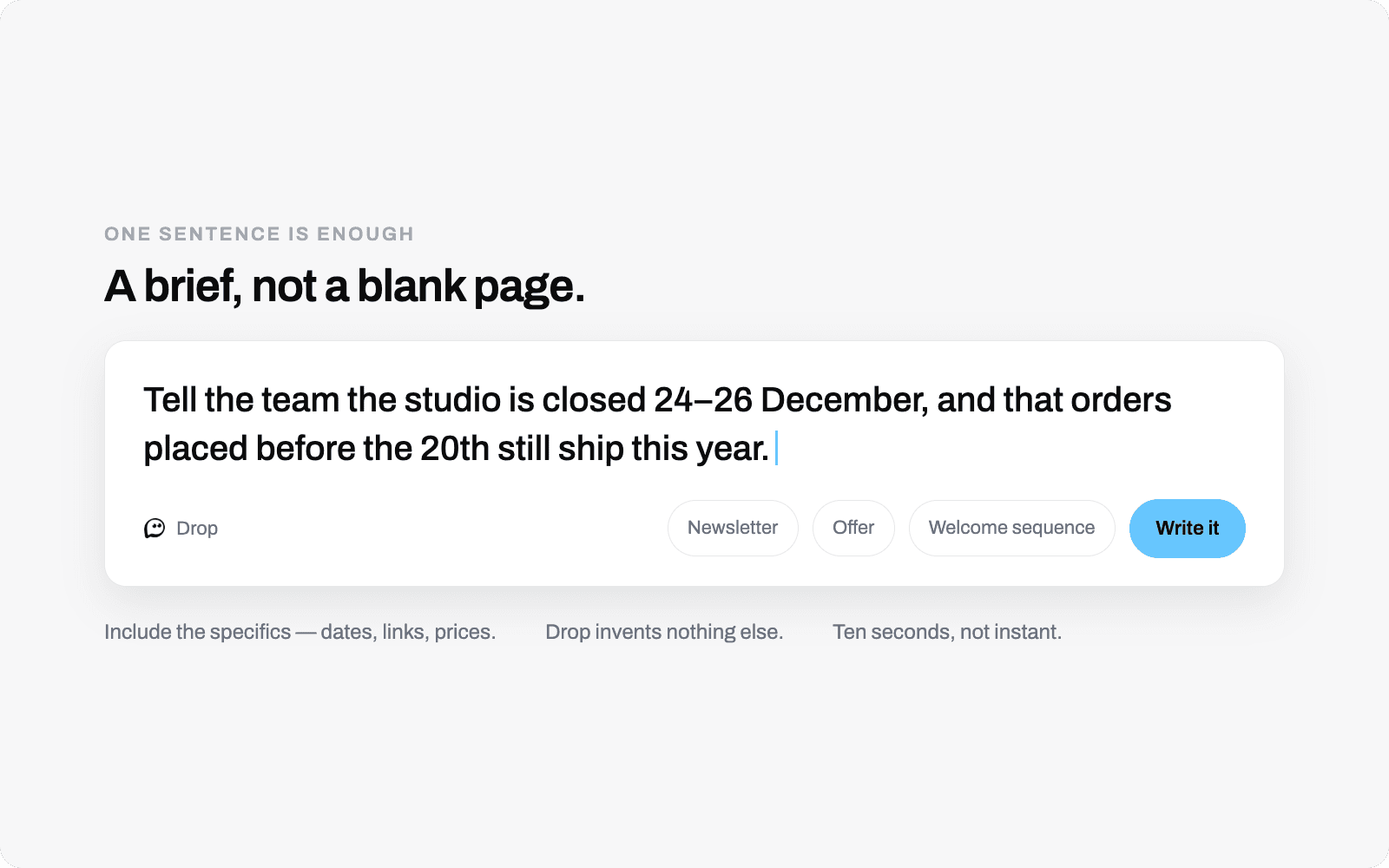
Say what you want to tell people. Drop writes the subject line, the preview text and the whole email, formatted so it survives Gmail and Outlook. Then you change whatever you disagree with.
How it works
Three things it does well.
A brief, not a blank page
The hardest part of an email is the first sentence. Drop starts from what you actually want to say.
- One sentence is enough
- Include the specifics: dates, links, prices. Drop uses them and invents nothing else.
- Writes the whole thing
- Subject line, preview text, body, and a call to action if the brief warrants one.
- Ten seconds
- Not instant. It is thinking about what you asked for.
Nothing is a black box
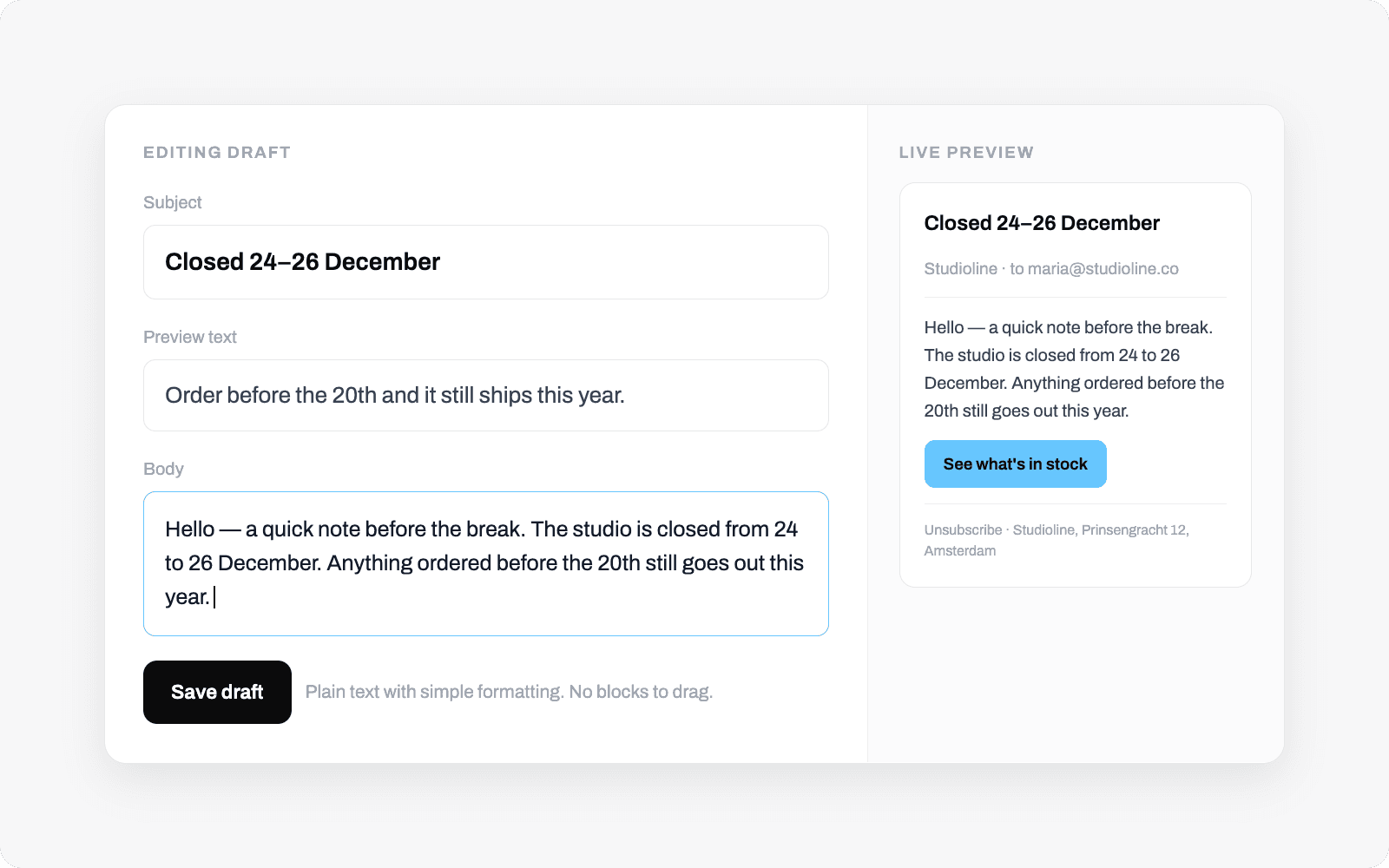
Every part of what the AI produced is a normal editable field. Change one word or rewrite the lot.
- Edit by hand
- Change the words directly, or rearrange designed sections: hero, text, image, button and more.
- Or ask for a change
- Make it shorter and drop the last paragraph. It rewrites, keeping what worked.
- Preview as it will arrive
- See the real rendered email, not an approximation.
Built to survive email clients
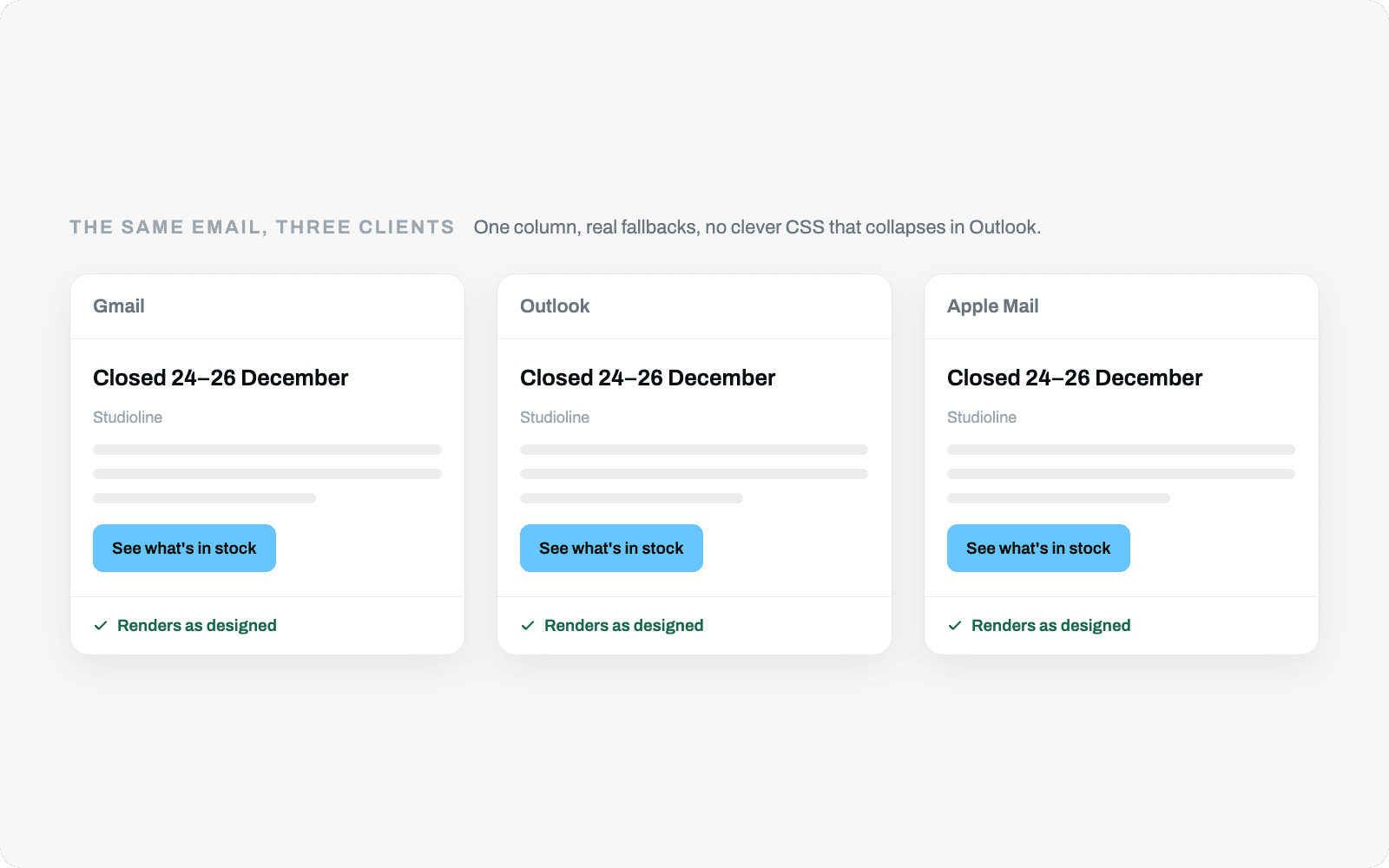
Email rendering is genuinely hard. Outlook still uses a word processor to draw HTML. Drop handles that so you never think about it.
- Tested layout
- One column, real fallbacks, no clever CSS that collapses in Outlook.
- Legal footer, automatically
- Unsubscribe link and postal address on every send, because the law requires both.
- Readable on a phone
- Most of your list will read it on one.
The rest of Drop
It only works because the other parts do.
Social
LinkedIn and Instagram, on the same calendar as your email.
Social →
Research
Give it your website. It learns your business.
Research →
The suggestions feed
The part that stops you falling off.
Suggestions →
Contacts
Import in ten minutes. Stay legal for good.
Contacts →
Deliverability
Your domain. Your reputation.
Deliverability →
Send the next one.
The hardest email to send, and the hardest post to write, is the one after the last one you never did.